Short answer
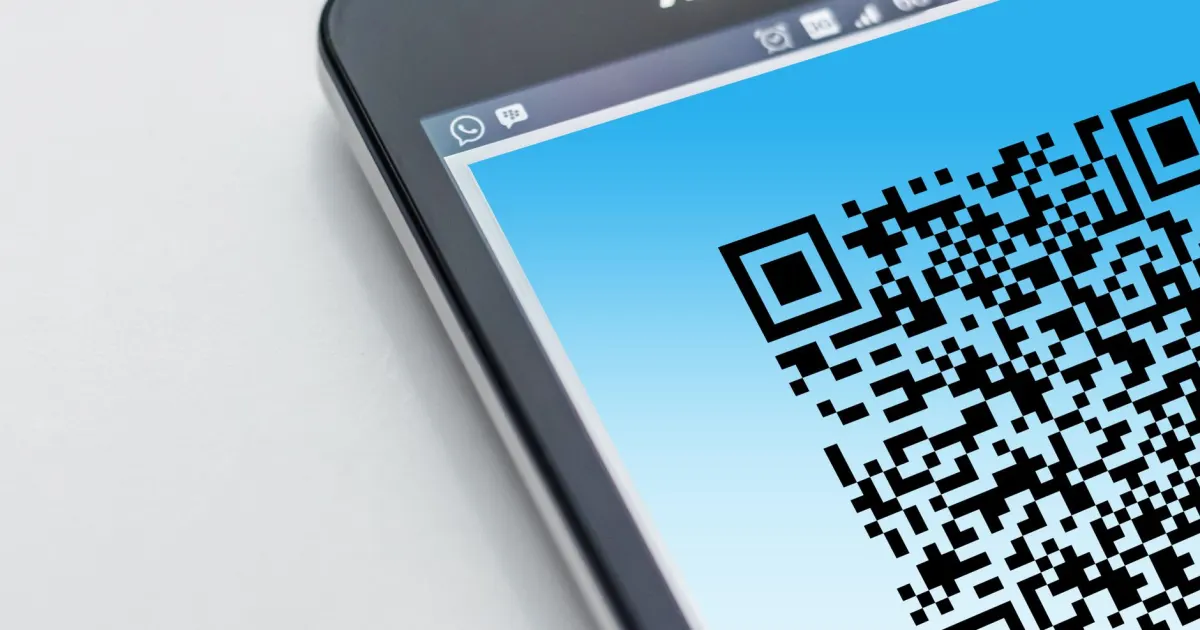
To get the War Thunder tactical map on your phone, install Gaijin's official WT Assistant app, connect your phone and your gaming PC to the same Wi-Fi network, and pair them by following the instructions in the app. If the game shows a QR code for the Assistant, scan it from the app; otherwise the app connects over your local network.
- Official app: WT Assistant (iOS and Android), made by Gaijin.
- Requirement: phone and PC on the same local network.
- Third-party alternative: WT Tactical Map, which connects using your PC's local IP address.
War Thunder can put its tactical map on a phone or tablet next to your keyboard. Here is how to set up the official WT Assistant, what the QR code is for, and fixes when it will not connect.
Setting up WT Assistant
- Install WT Assistant from the App Store or Google Play. Check the publisher is Gaijin.
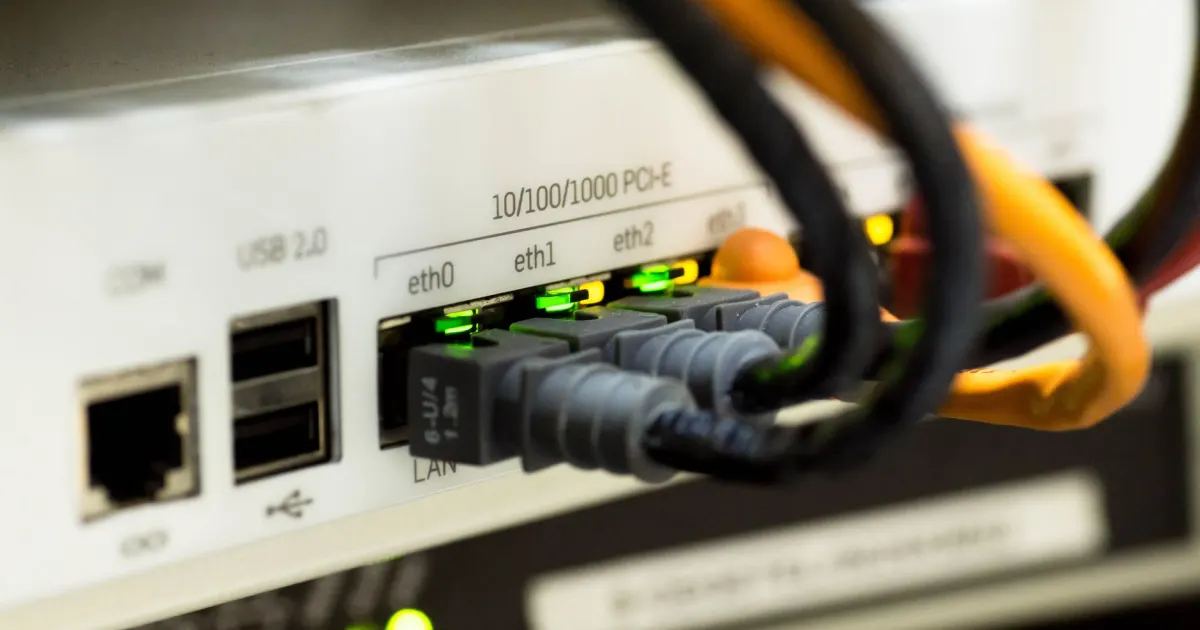
- Connect your phone to the same Wi-Fi as the PC running War Thunder (not mobile data, not a guest network).
- Start War Thunder on the PC and open the app.
- Pair them using the in-app instructions. If the game displays a QR code, scan it with the app to link without typing anything.
- Join a battle — the tactical map appears on your phone.
The third-party WT Tactical Map app
An older unofficial app, WT Tactical Map, does the same job. You enter the local IP address of your PC (find it with ipconfig on Windows — the IPv4 address). It states in its store listing that it is not official.
When it will not connect
- Different networks. The most common cause. Many routers separate 5 GHz, 2.4 GHz and guest networks — put both devices on the same one.
- Firewall. Allow War Thunder through Windows Firewall for private networks.
- Security apps on the phone. Some users report mobile security apps (for example Kaspersky Mobile Security) blocking the connection.
- VPN. Turn off VPN on the phone or PC; it moves one device off the local network.
Is it worth it?
For tank players it is a real advantage: the map stays visible while you aim, so you notice flanks and capture-point changes without opening the map in game.
Related: War Thunder keyboard controls and quick chat.
WT Assistant FAQ
How do I get the War Thunder map on my phone?
Install WT Assistant, put your phone and PC on the same Wi-Fi, and pair them in the app.
Where is the QR code for WT Assistant?
If the game shows one for the Assistant, scan it from the app. The local network connection works without it.
Is WT Assistant official?
Yes. WT Assistant is made by Gaijin; WT Tactical Map is a third-party app.
Why won't WT Assistant connect?
Usually the phone and PC are on different networks, or a firewall, VPN or security app is blocking it.